Features

Everything you need to monitor and manage your FreqTrade bots on the go.

📊

Multi-Bot Dashboard

Aggregate open trades, profit charts, and performance across all your enabled bots in a single view. See your total profit, open positions, and per-bot breakdowns at a glance.

🔍

Single-Bot Drill-Down

Dive into any bot for detailed trade logs, pair performance, balance history, cumulative profit charts, and profit distribution breakdowns.

🤖

Bot Management

Add, edit, enable, and disable bots. Compare them side-by-side to see which strategy performs best across different market conditions.

🔔

Push Notifications

Get notified of trade entries and exits via ntfy — your own self-hosted notification server. Choose between live streaming or scheduled polling.

📱

Cross-Platform

Runs natively on Android and iOS from a single Kotlin Multiplatform codebase. Same features, same UI, both platforms.

🎨

Theme Customization

Choose your accent colour with a full HSL colour picker. Dynamic theming with Material You support on Android.

🧭

Flexible Navigation

Two navigation modes — Aggregate for a flat all-in-one menu, or Classic with a sectioned drawer and per-bot selector.

💾

Offline-Ready Data

Trade history and bot config are cached locally with SQLDelight. Browse your data even when your bot is offline.

Dashboard at a glance

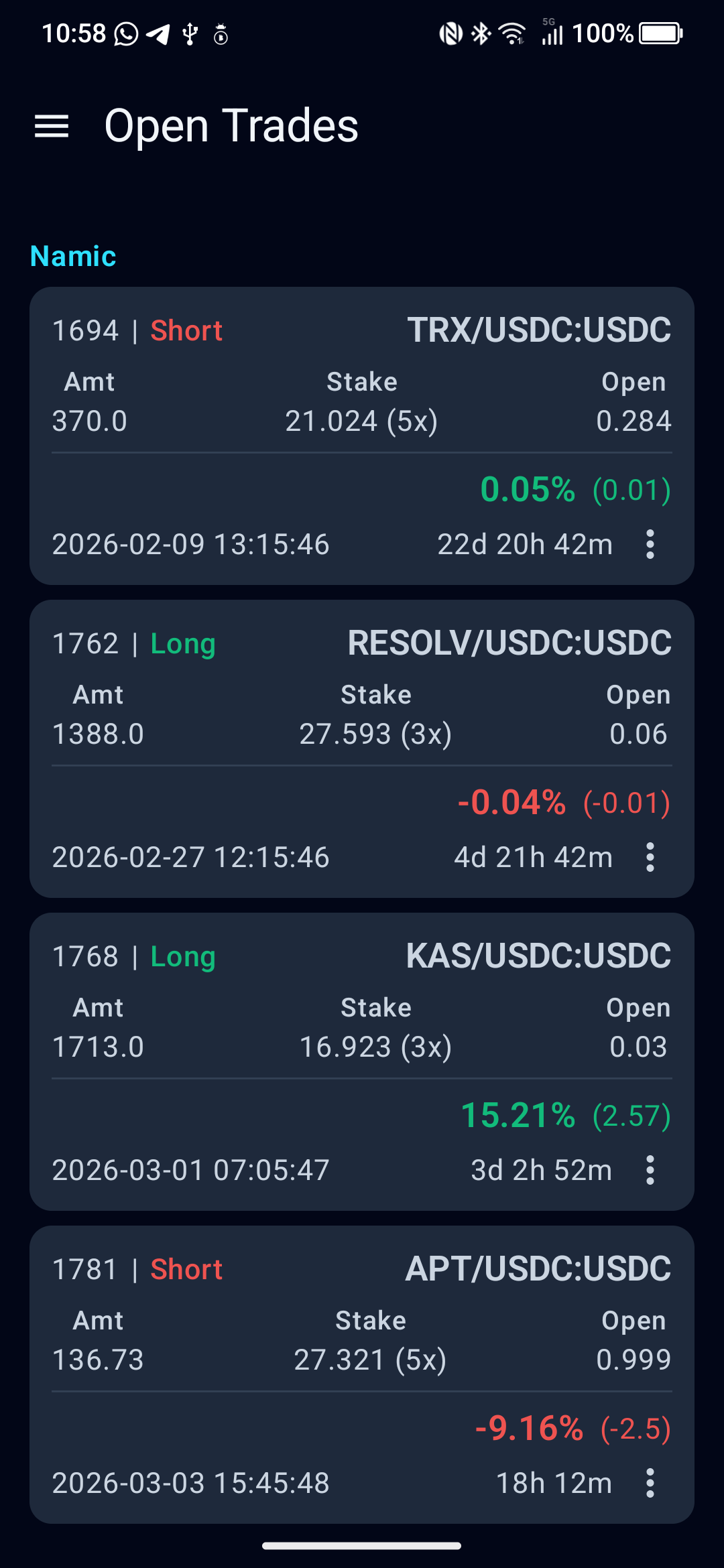
The multi-bot dashboard aggregates data from all your enabled bots into a single view — open trades, profit over time, cumulative returns, and performance by pair.

  • Real-time open trades across all bots
  • Profit charts with daily, weekly, and monthly views
  • Pair performance and profit distribution breakdowns
Feature screenshot

Deep bot analytics

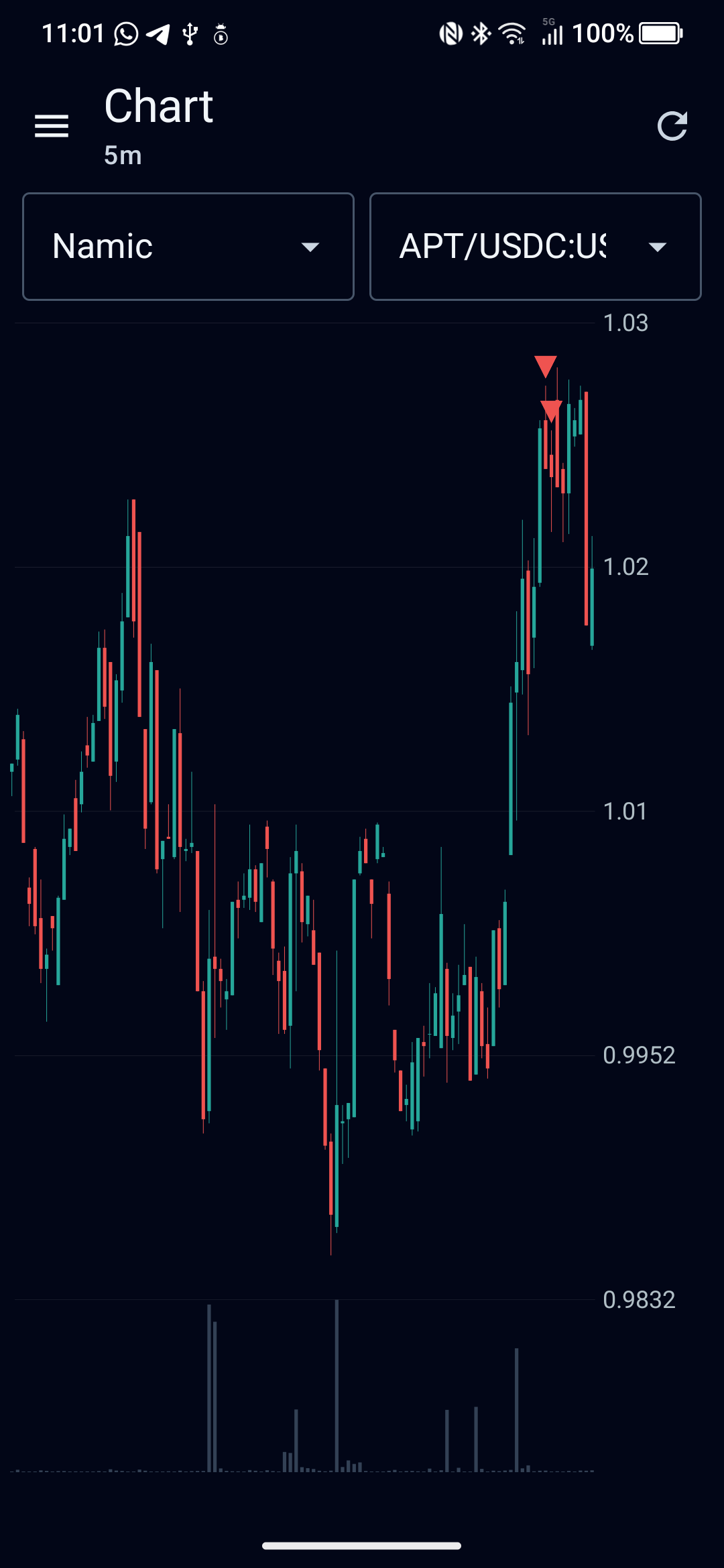
Select any bot and dive into its full trading history — every trade, every pair, every profit and loss.

  • Full trade log with search and filtering
  • Detailed trade view with entry/exit rates and duration
  • Balance history and cumulative profit charts
Feature screenshot

Navigate your way

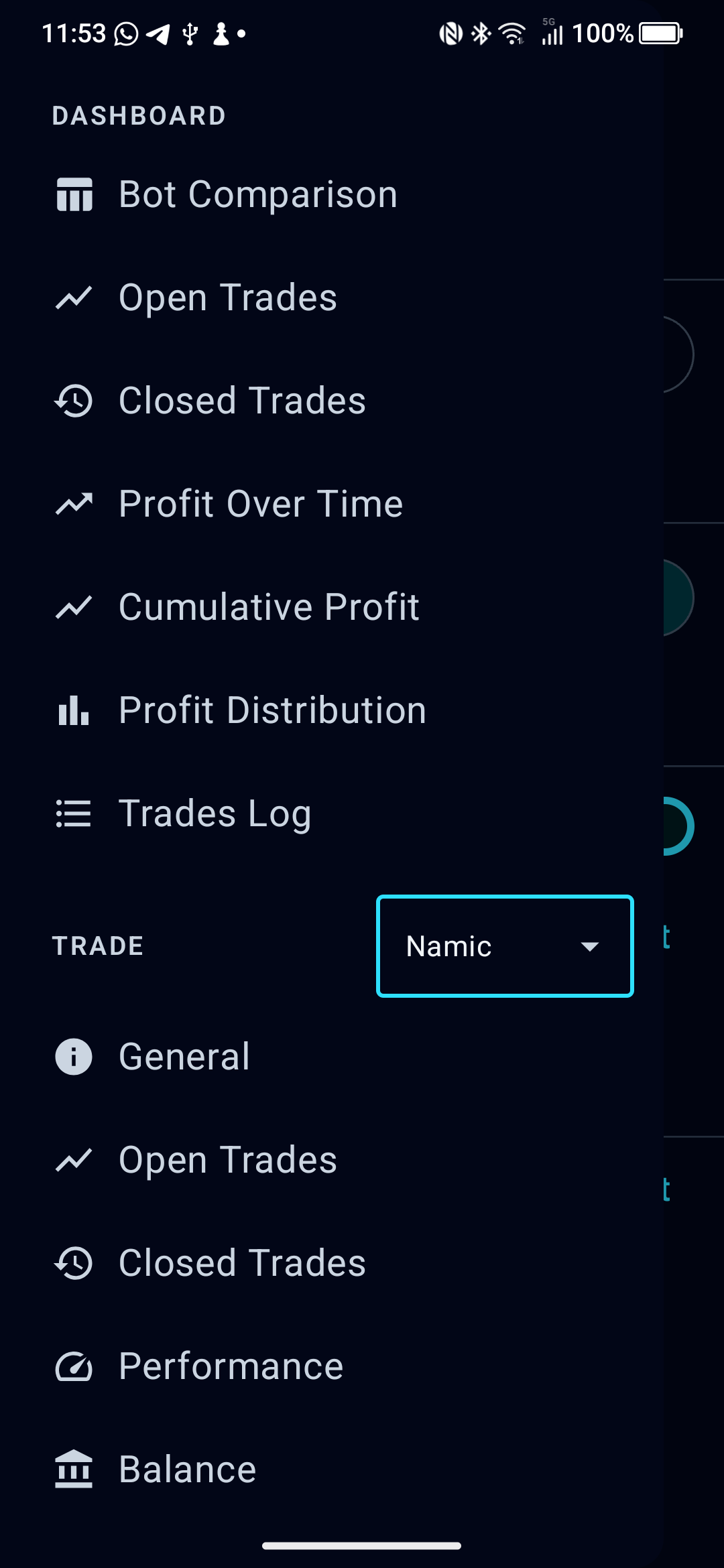
Pick the navigation style that matches how you work. Aggregate mode merges everything; Classic mode separates dashboard and single-bot views.

  • Aggregate — flat list, all data from every bot
  • Classic — sectioned drawer with a bot picker dropdown
  • Switch anytime in Settings, no restart needed
Feature screenshot